Modernizing Mid-Flight: The Operational Challenge
Upgrading your core business management system while daily operations are in full swing is a lot like replacing an aircraft engine mid-flight. You cannot pause your sales cycle for two weeks, hold back ongoing customer support tickets, or risk losing years of hard-earned client history.
"Upgrading your core business management system while daily operations are in full swing is like replacing an aircraft engine mid-flight — zero downtime is mandatory."
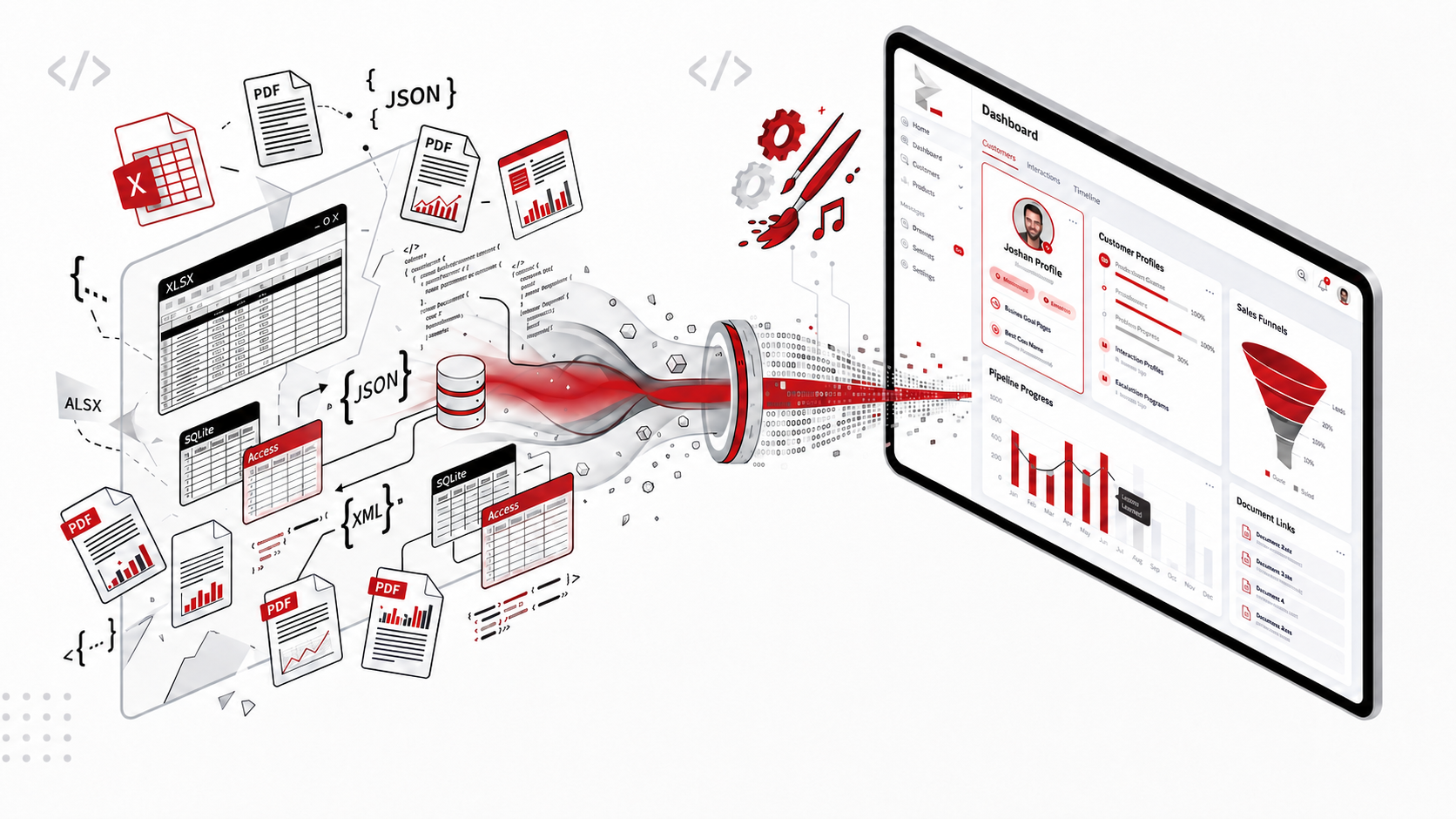
In the early stages of a business, speed and flexibility matter most. Your team naturally turns to familiar, quick-to-deploy tools: customer contact numbers recorded across shared Excel spreadsheets, invoices and signed service agreements saved as loose PDF files, product catalogs or lightweight databases maintained in MS Access or SQLite, and website integration exports stored in raw JSON or XML files.
This makeshift stack serves its purpose—until your business starts scaling.
As transaction volumes climb and your team grows, these disconnected data silos quickly become your biggest operational bottleneck. You realize that generic off-the-shelf CRMs are either too rigid for your workflow or burden you with heavy per-seat licensing fees for bloated feature sets you never use. A custom CRM tailored precisely to your operational model is the logical step forward.
How do you migrate years of messy, fragmented data into a custom CRM without disrupting active business operations or losing crucial historical context?
The Core Pain Point: Navigating Legacy Data Sprawl
The most daunting challenge of transitioning to a custom CRM is rarely the user interface—it is the reality of legacy data fragmentation. Over years of active operation, data accumulates across disparate formats, each presenting unique migration hurdles:
| Legacy Data Source | Common Inconsistencies & Hidden Traps | Risk to the New Custom CRM | Ingestion Impact |
|---|---|---|---|
| Excel & CSV Spreadsheets | Conflicting sheet versions, inconsistent column naming ("Phone" vs "Mobile No"), duplicate entries, manual typos, and free-text fields instead of standardized inputs. | Dirty data ingestion, distorted pipeline reporting, duplicate client profiles, and broken validation rules. | High Ingestion Risk |
| Unstructured PDF Files | Invoices, price quotes, signed agreements, and warranty records trapped inside flat PDF documents without searchable metadata. | Loss of historical commercial terms, contractual agreements, and critical customer context if left unlinked. | Context Loss |
| MS Access & SQLite Stores | Relational data locked in local desktop environments with deprecated schemas, unindexed records, and orphaned foreign keys. | Relationship mismatches and data truncation when mapping into modern scalable database architectures (e.g., PostgreSQL/MySQL). | Schema Mismatch |
| JSON & XML Data Exports | Deeply nested, semi-structured arrays from legacy integrations, webhooks, or discontinued third-party apps. | Incomplete entity parsing, schema drift across different historical versions, and missing relationship mapping. | Schema Drift |
Attempting to force-feed this raw data into a newly built CRM without a structured extraction strategy invariably leads to corrupted customer timelines, broken relationships, and frustrated team members on launch day.
Excel & CSV
SpreadsheetsSpreadsheets are prone to cell formatting mismatches, duplicate client names, and unvalidated free text fields.
Loose PDFs
UnstructuredCommercial contracts and invoices locked inside static PDFs without database indexes.
Access / SQLite
RelationalLegacy relational DBs with orphaned keys, deprecated data types, and local desktop isolation.
JSON / XML
Semi-StructuredNested webhook payloads and app export dumps with evolving schemas across historical years.
The Solution: A Zero-Data-Loss Migration Blueprint
A smooth transition is never an overnight "rip-and-replace" event. It is a systematic, engineered process designed to protect ongoing revenue while migrating data with surgical precision.
Data Discovery, Schema Auditing & Cleansing
Before writing any migration scripts, audit your entire operational footprint. Categorize your existing data into three clear buckets:
Open leads, ongoing deals, active project tickets, and current customer balances.
Inactive client profiles, closed sales, past invoices, and interaction logs.
Obsolete test entries, incomplete inquiries, and unverified duplicates.
Clean your spreadsheets and tables before importing them: standardize phone numbers with international country codes, unify date formats (e.g., YYYY-MM-DD), and eliminate duplicate records using automated fuzzy matching.
Building Dedicated ETL (Extract, Transform, Load) Pipelines
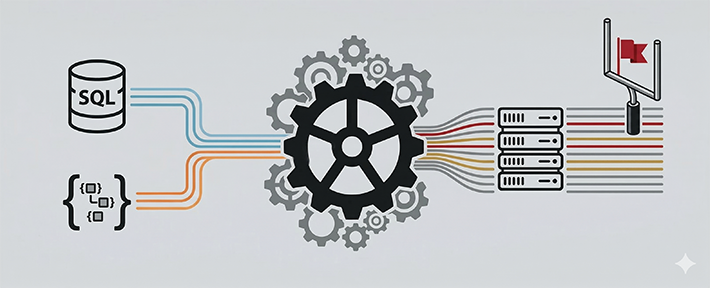
Never rely on manual copy-pasting for mission-critical business data. Modern migration relies on automated ETL scripts:
- Spreadsheets (Excel/CSV): Use automated Python
scripts (utilizing libraries like
pandas) to enforce strict type checking, map column aliases into unified CRM fields, and log validation errors for review. - Relational Stores (MS Access / SQLite): Extract schema definitions and data dumps, resolve unlinked/orphaned records, and normalize relational tables into the new target architecture.
- Semi-Structured Files (JSON / XML): Flatten nested hierarchies into relational models, ensuring child arrays (such as multiple contacts per company or historical order lines) map directly to first-class CRM objects.
- Unstructured Documents (PDFs): Deploy text extraction and OCR parsers to extract key metadata—such as document date, invoice amount, and customer ID—while simultaneously archiving the raw PDF into secure cloud storage (like AWS S3) linked directly to the customer's CRM timeline.
import pandas as pd
# Load legacy spreadsheet with strict types
df = pd.read_excel('legacy_leads_2025.xlsx')
# Clean phone numbers to E.164 format and deduplicate
df['phone_clean'] = df['Phone'].apply(standardize_phone_number)
df = df.drop_duplicates(subset=['phone_clean', 'Email'])
# Output validated payload ready for CRM DB Batch Ingestion
df.to_json('sanitized_crm_ingestion_payload.json', orient='records')
Staging Sandbox & User Verification
Never import legacy data directly into your live production environment. Load transformed data into an isolated Staging Sandbox that mirrors your new CRM schema.
Verify that total outstanding receivables in the new CRM match legacy totals down to the exact cent, total record counts balance out, and foreign key relationships remain 100% intact before authorizing live cutover.
Have senior operations and sales staff test everyday workflows in the staging environment to ensure all client history looks natural and accurate.
Dual-Running & Delta Sync (Zero Business Downtime)
To ensure business continuity, execute the transition in two synchronized phases:
On official cutover day, the final delta sync takes only a few minutes. Your team switches to the custom CRM seamlessly without missing a customer email, support ticket, or sales call.
Transitioning Seamlessly with theCodeArt
Upgrading mission-critical business workflows requires more than just standard software development—it demands deep architectural experience. At theCodeArt, we specialize in engineering bespoke custom CRMs and executing seamless, zero-downtime data migrations from legacy systems, ensuring your operational engine modernizes behind the scenes while your business never skips a beat.
Driving Team Adoption: The Final Key to ROI
The technical migration is only half the equation; employee adoption is what unlocks true business value. Off-the-shelf software often suffers from low adoption because teams are overwhelmed by generic menus and unnecessary fields.
Because your CRM is custom-built, design it around your team's exact daily rituals:
Role-Based Views
Sales reps get an uncluttered lead board, fulfillment teams see operational queues, and management receives high-level executive analytics.
Context at a Glance
Place extracted PDF contracts, past notes, and order histories on a unified timeline so staff never toggle between multiple tabs.
Feedback Loops
Keep a dedicated 30-day feedback channel open post-launch to quickly implement minor UI polish based on real-world team usage.
Executive Checklist for a Seamless CRM Transition
-
✓
Map all legacy data sources: Identify every Excel sheet, PDF repository, MS Access file, and JSON/XML export currently in use.
-
✓
Establish a clean unified schema: Define your customer, deal, and activity entities before building migration scripts.
-
✓
Automate data parsing: Use dedicated ETL pipelines for normalization rather than manual data entry.
-
✓
Conduct reconciliation audits in staging: Verify financial totals, record counts, and relationship linkages.
-
✓
Execute a delta-sync strategy: Run parallel updates to ensure zero operational downtime during cutover.
Final Thoughts
Moving to a custom CRM is a major milestone for an established business. It represents the transition from ad-hoc operational tools to a centralized digital operating system built around your unique competitive advantages. By treating data migration as an engineered process, you safeguard your customer relationships, eliminate business downtime, and set a scalable foundation for future growth.